
How to save your WikiGacha progress, and stop losing it
By default, WikiGacha keeps your collection in your browser, and nowhere else. Clear your data, close a private window, switch phones, and it's gone.
Here's how to export it, sync it, restore it, why it disappears, and how to keep it safe in Lexicodex, where your cards belong to an account, not a browser. Made in France, playable in English: the game opens in your browser's language, and switches to French in its settings.
Free · in the browser · no account to start
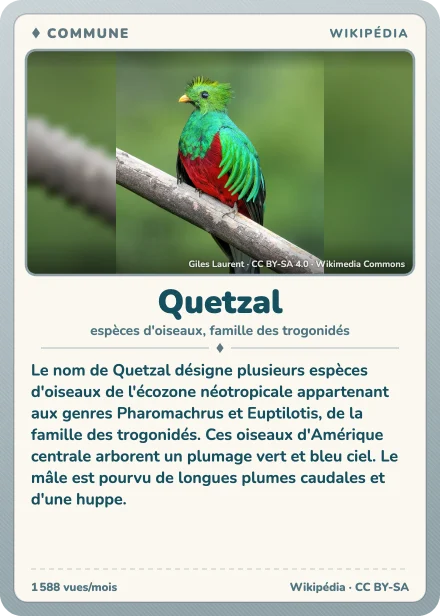
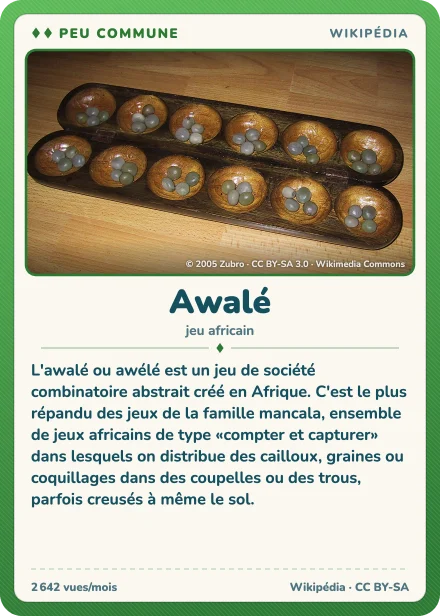
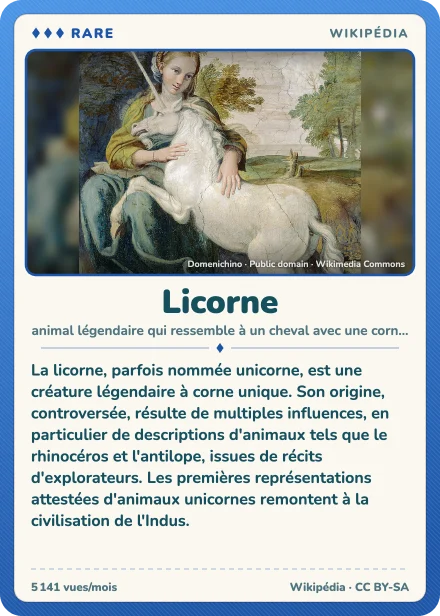
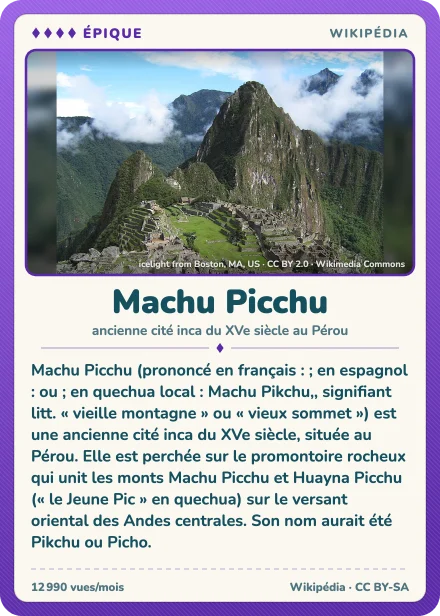
Where WikiGacha keeps your collection
WikiGacha plays without an account: every card you pull is saved in your browser's storage (IndexedDB), on that device. Until you turn on sync, nothing goes to a server: your computer and your phone each have their own collection, like two browsers on the same computer.
Each Wikipedia edition has its own too: switching WikiGacha from English to French shows a different collection. The first one isn't lost, it comes back when you switch back to its language.
Syncing it with a Google account
Since March 2026, WikiGacha has offered sync, still in beta: the sync button on the Gacha page signs you in with Google and sends your collection to its server. Sign in with the same account on another device, and it's there.
It's optional, and flagged beta by the game itself, which still recommends exporting your collection from time to time. The two go together: sync follows your pulls, an export leaves you a file of your own.
Exporting a backup
- Open WikiGacha, Collection tab, and scroll down to Local backup.
- Pick the scope: the current language only, or all languages if you play several editions.
- Tap Export and pick a passphrase of at least eight characters: the backup is encrypted with it. WikiGacha saves a .wgbak file.
- Keep that file outside the browser: a synced folder, an email to yourself. Copy Backup Text gives you the backup as text, to paste into a note.
Write your passphrase down: it isn't stored anywhere, and the backup won't open without it. Export again now and then: a backup is a snapshot, cards pulled afterwards aren't in it.
Do it in your real browser, not inside an app (X, Instagram, Discord…): WikiGacha itself warns that backup download and restore may fail there.
Restoring it on another device
On the new device, or in the new browser, open WikiGacha, Collection tab, Local backup: Import for the file, Restore from Text for copied text, then type your passphrase.
Without sync, that's how you move from a computer to a phone: export on one, send yourself the file, import on the other.
Why WikiGacha progress disappears
- The site's data was cleared: "clear browsing data", "cookies and site data", a cleaner app. WikiGacha's storage goes with it.
- A private window: whatever it stores is wiped when it closes.
- Another browser, profile or device: each has its own storage, the collection stayed in the other one.
- Another language: each Wikipedia edition has its own collection, switch back to yours.
- Safari, on iPhone, iPad or Mac: Safari deletes a site's storage after seven days of use without visiting it (WebKit). An icon added to the Home Screen isn't affected, but it has its own storage, separate from Safari's: a collection started in one won't show up in the other.
- A nearly full device: the browser may free up space by deleting sites' storage (MDN).
Without an export or sync, there's no way back: the collection only existed in that browser. Before giving up, check the browser, the profile, the device and the language; and if you had turned on sync, sign in again with the same Google account.
Keeping your collection safe in Lexicodex
Lexicodex is a Wikipedia card game of the same kind, free and in the browser, but with an account: your cards are kept on our side, on a computer or a phone, and don't vanish with a cleanup.
- Create your Lexicodex account (email, Google or Discord).
- Export your WikiGacha backup (above), ideally with all languages.
- On the Import page, drop the .wgbak file and type your passphrase.
- Your cards show up, rarest first; confirm the import with a long press.
The backup is decrypted in your browser: your passphrase never leaves the page, Lexicodex only receives your article titles. Those from English and French Wikipedia become Lexicodex cards, up to 10,000, at Lexicodex's rarity (set by readers, not by the Q-Score); other languages are skipped. These cards are bound to your account: you can show them and file them, but not sell or trade them. Articles Lexicodex doesn't have are worth one drop of ink each, up to 1,000, paid after your first 100 packs.
Lexicodex doesn't restore WikiGacha: it rebuilds your articles in another game. Your backup stays valid, and nothing changes on your WikiGacha side. More on both games: the WikiGacha alternative.
Frequently asked questions
Does WikiGacha save automatically?
Yes, in your browser: every card you pull is saved there. But only there, on that device, unless you turn on sync.
Does WikiGacha have accounts or cloud saves?
As an option: the sync button on the Gacha page, still in beta, signs you in with Google and keeps your collection on its server. Without it, everything stays in the browser.
How do I move my collection from my computer to my phone?
Turn on sync on both with the same Google account. Or export a backup on the computer, send yourself the file, then import it into WikiGacha on the phone (Collection, Local backup, Import) with the same passphrase.
I forgot my passphrase. What now?
It isn't stored anywhere, neither at WikiGacha nor with us: if your collection is still there, export a new backup with a passphrase you'll remember.
Can anyone read a .wgbak file?
No: it's encrypted with your passphrase. Without it, nobody can open it, us included.
Do my Lexicodex cards survive a new phone?
Yes: they belong to your account, not the device. Sign in, and they're there.
Is Lexicodex available in English?
Yes. The game opens in English if that's your browser's language, and you can switch between English and French in its settings. Cards come in both languages too: articles from the English and French Wikipedias, words from the English and French Wiktionaries.
Is Lexicodex affiliated with WikiGacha?
No. Lexicodex is an independent game published by Tusmo; it is affiliated with neither WikiGacha nor the Wikimedia Foundation.
Your first pack is waiting
Five cards, right now, no account needed.
Updated on .
Cards: texts from French Wikipedia (Quetzal, Awalé, Licorne, Machu Picchu, La Joconde), CC BY-SA 4.0 license; pictures from Wikimedia Commons: Quetzal (Giles Laurent · CC BY-SA 4.0), Awalé (© 2005 Zubro · CC BY-SA 3.0), Licorne (Domenichino · Public domain), Machu Picchu (icelight from Boston, MA, US · CC BY 2.0), La Joconde (Leonardo da Vinci · Public domain).


